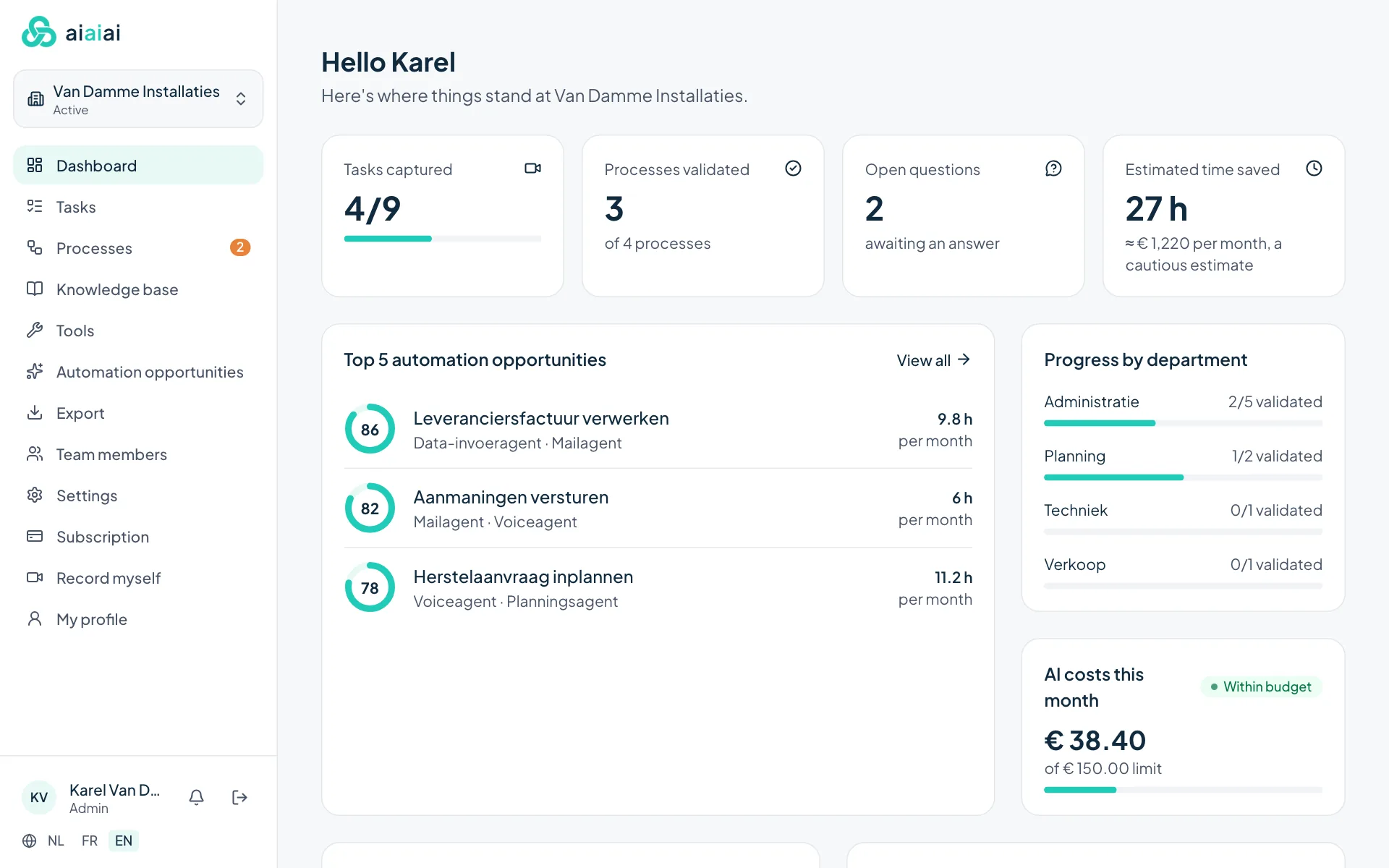
Overview at a glance
How many tasks have been captured, which processes are reviewed, which questions are still open and progress per department. You also see the estimated time saving and this month's AI costs.
Features
From setting up a task to insight into automation opportunities. All screens below come from the software itself.
Screenshots with fictitious sample data from a demo company (in Dutch).
How many tasks have been captured, which processes are reviewed, which questions are still open and progress per department. You also see the estimated time saving and this month's AI costs.
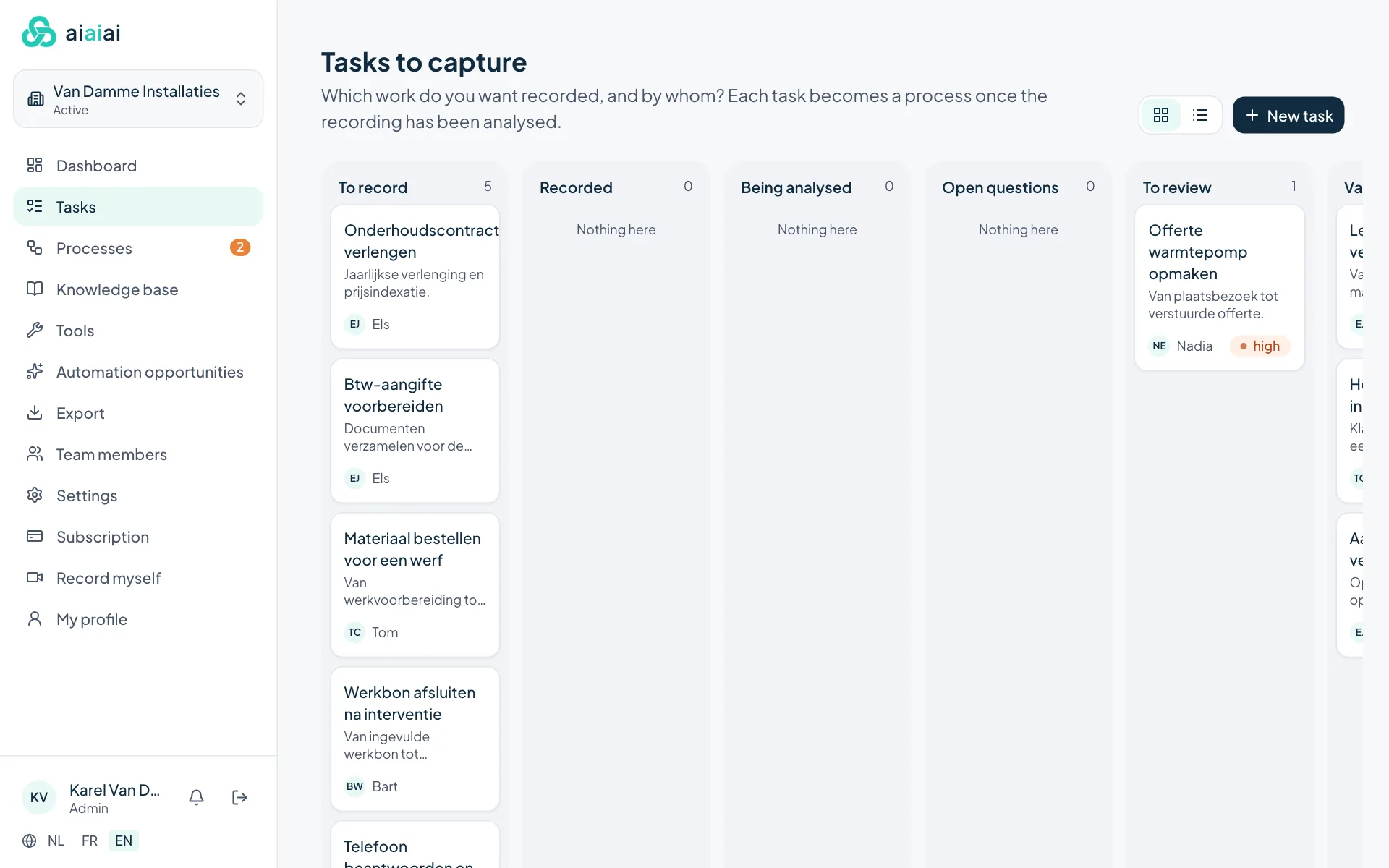
You decide which work gets captured and by whom. The board shows where each task stands: to record, being analysed, questions open, to review or done.
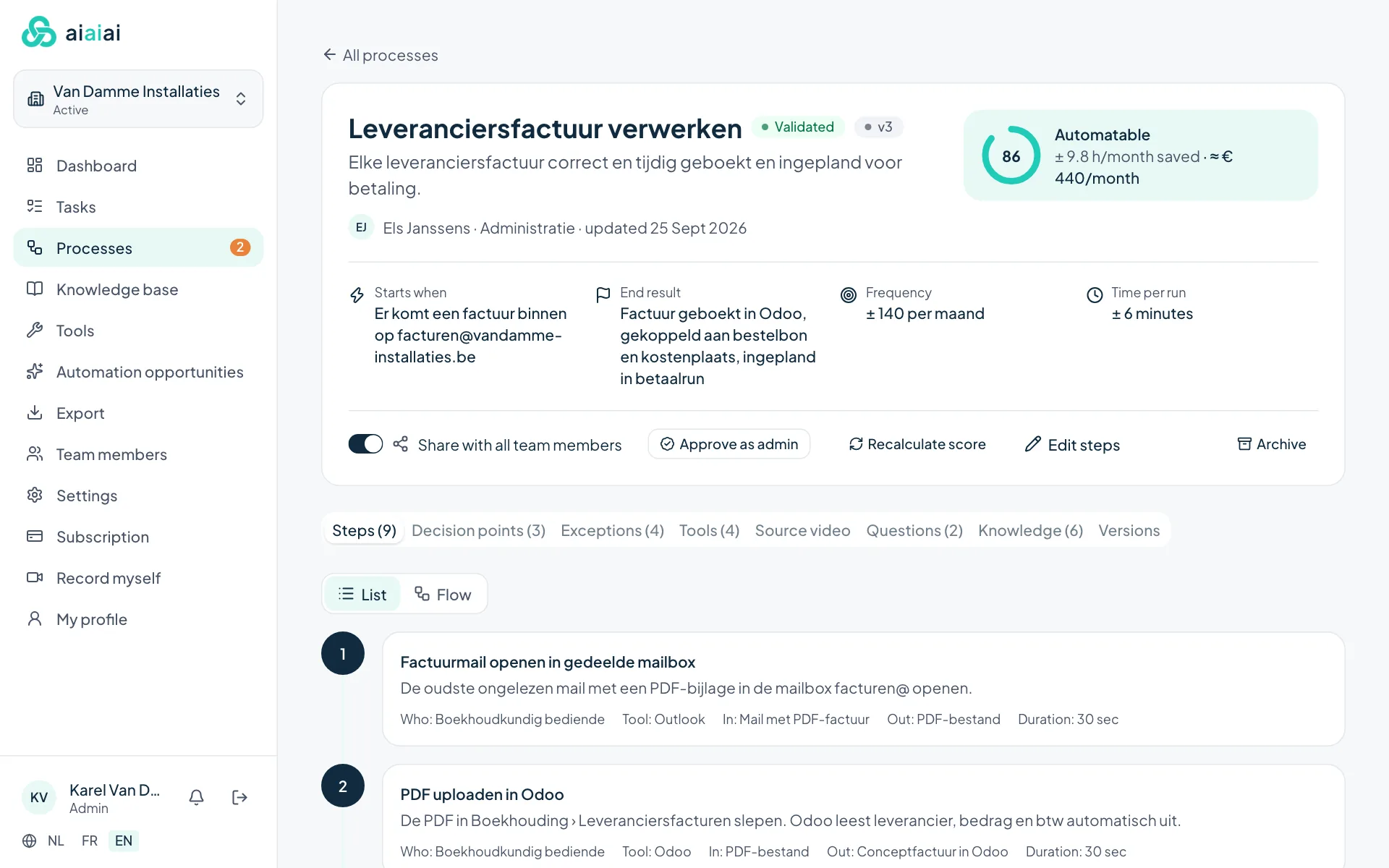
Every step with who does it, which tool, what goes in and what comes out. Plus the decision points, exceptions, the source video and all versions. As a list or as a flow.
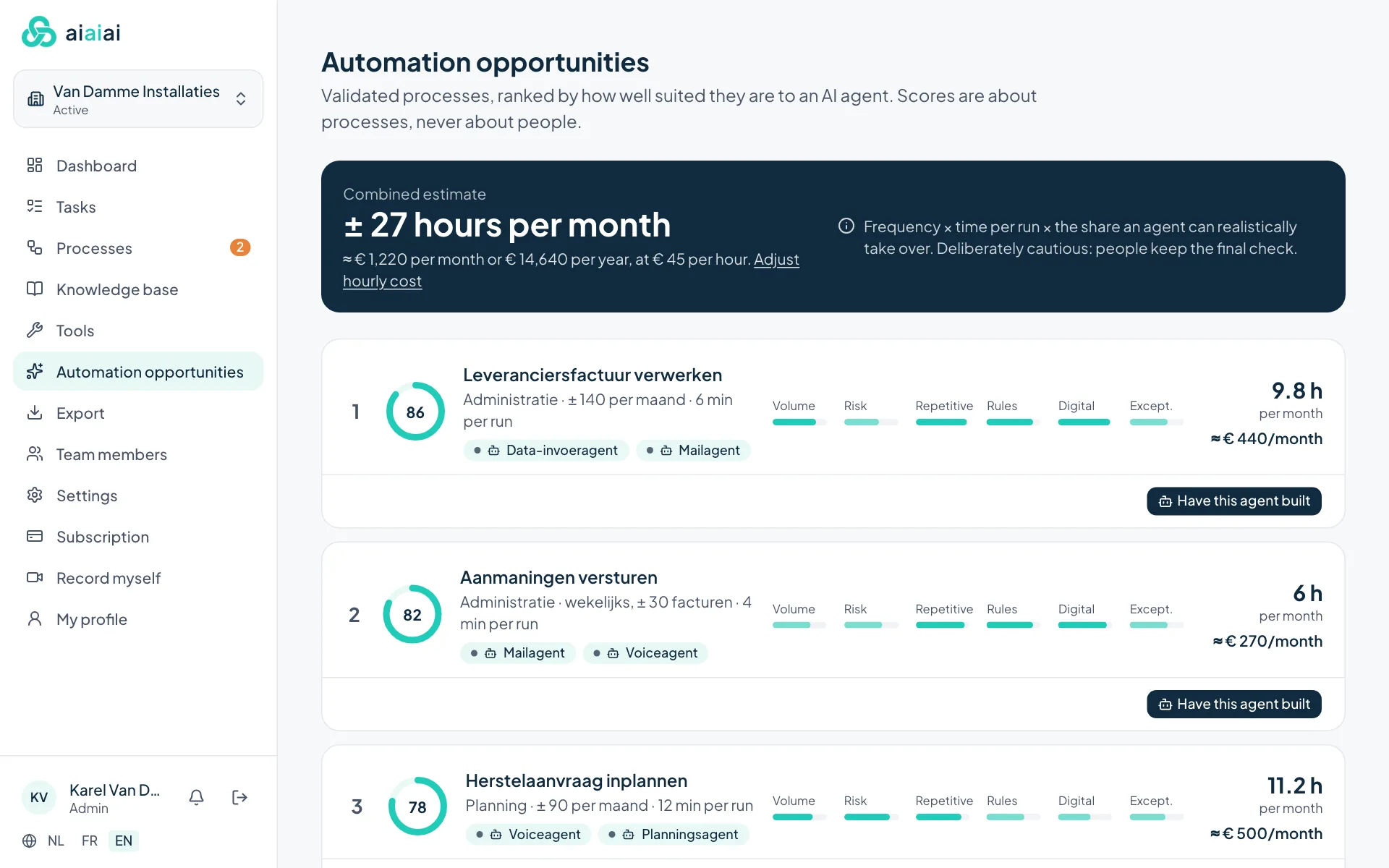
Reviewed processes ranked by suitability for automation, with a score on six criteria and an estimated time saving in hours and euros. From this screen you can ask AI-Studio for a proposal.
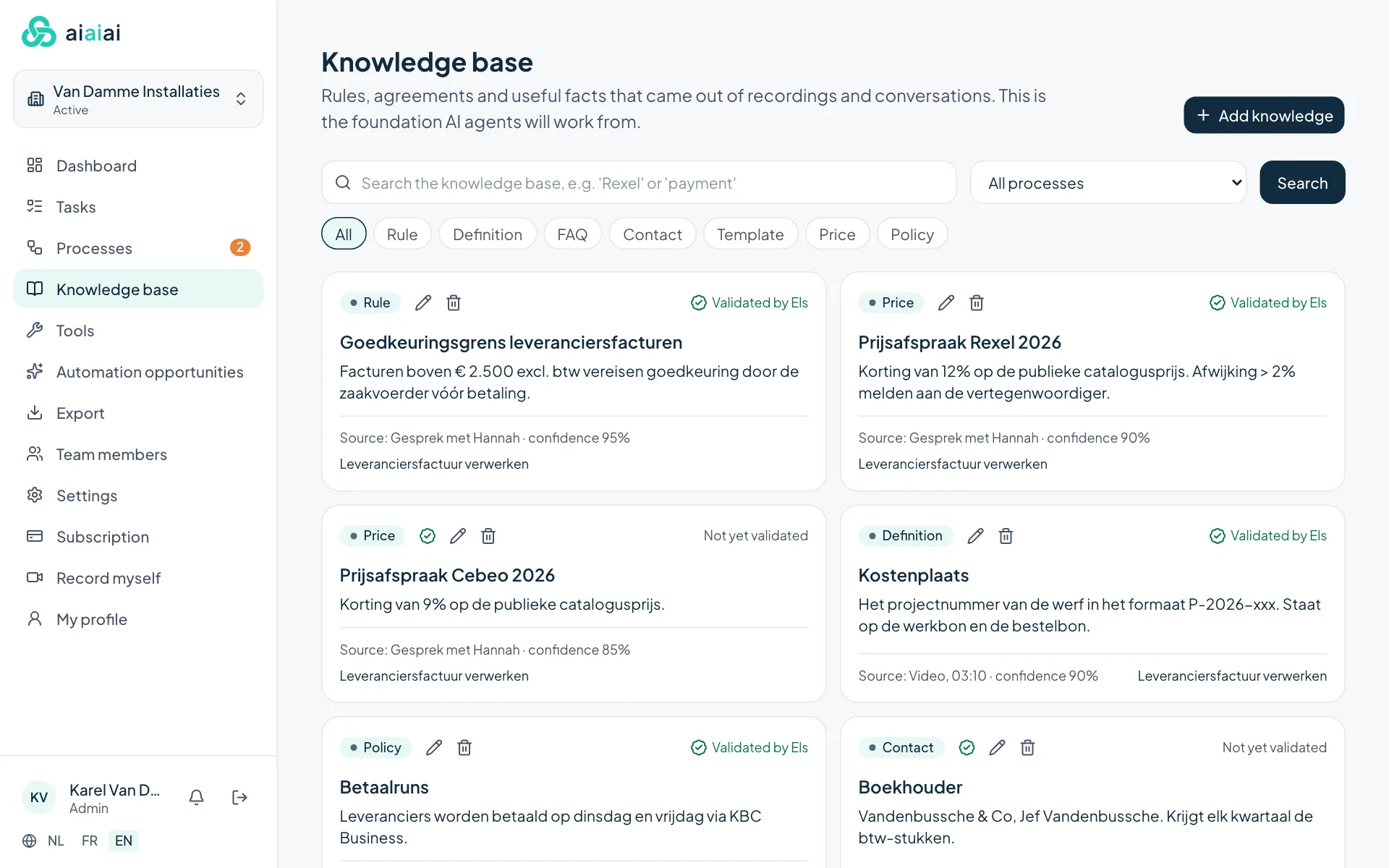
Rules, pricing agreements, definitions and contact details that come from recordings and conversations, with their source. Searchable, and you confirm yourself what is correct.
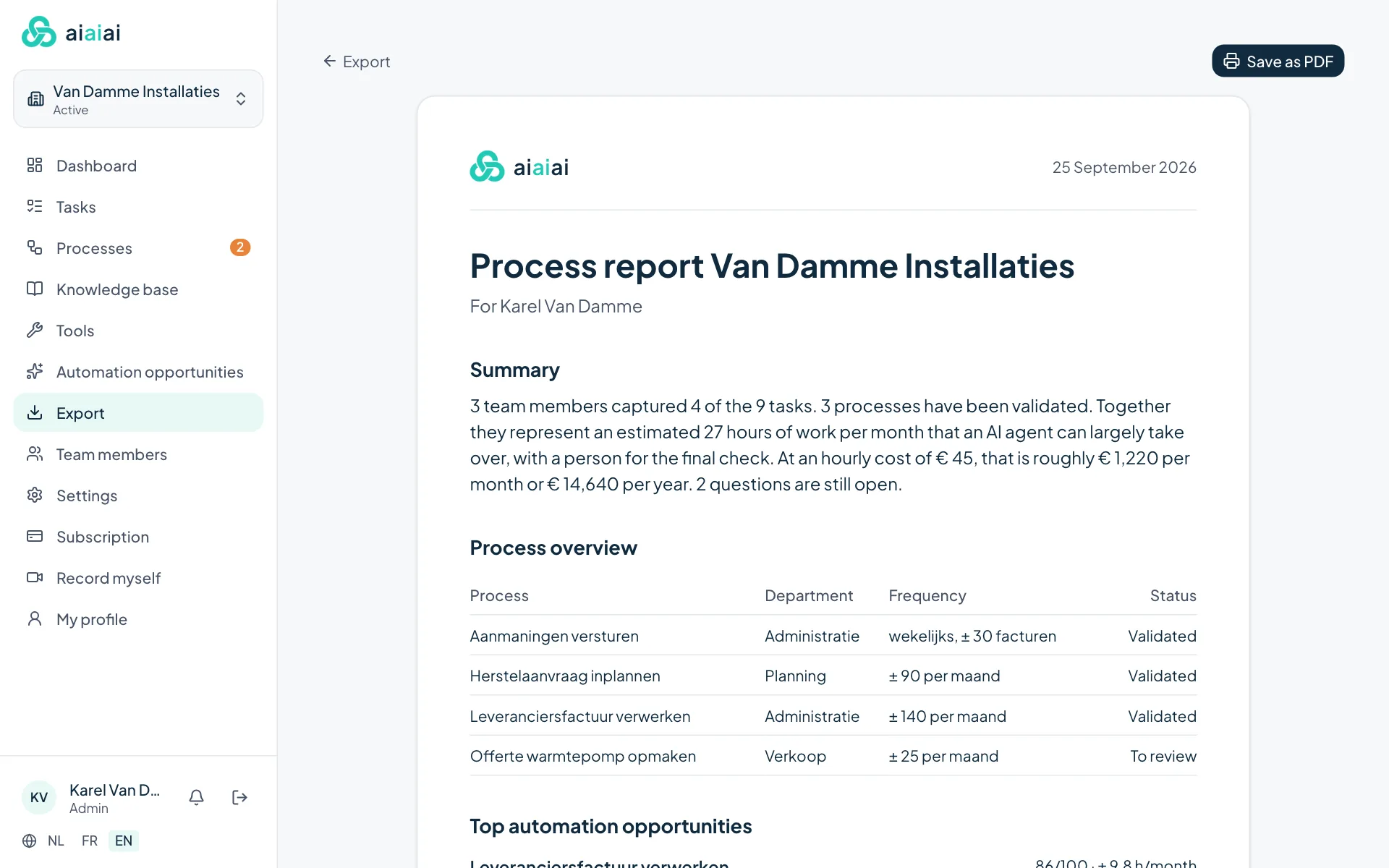
A clear report for the business owner, to save as a PDF. Plus export as Markdown or JSON and, per process, a starting point for whoever builds the automation.
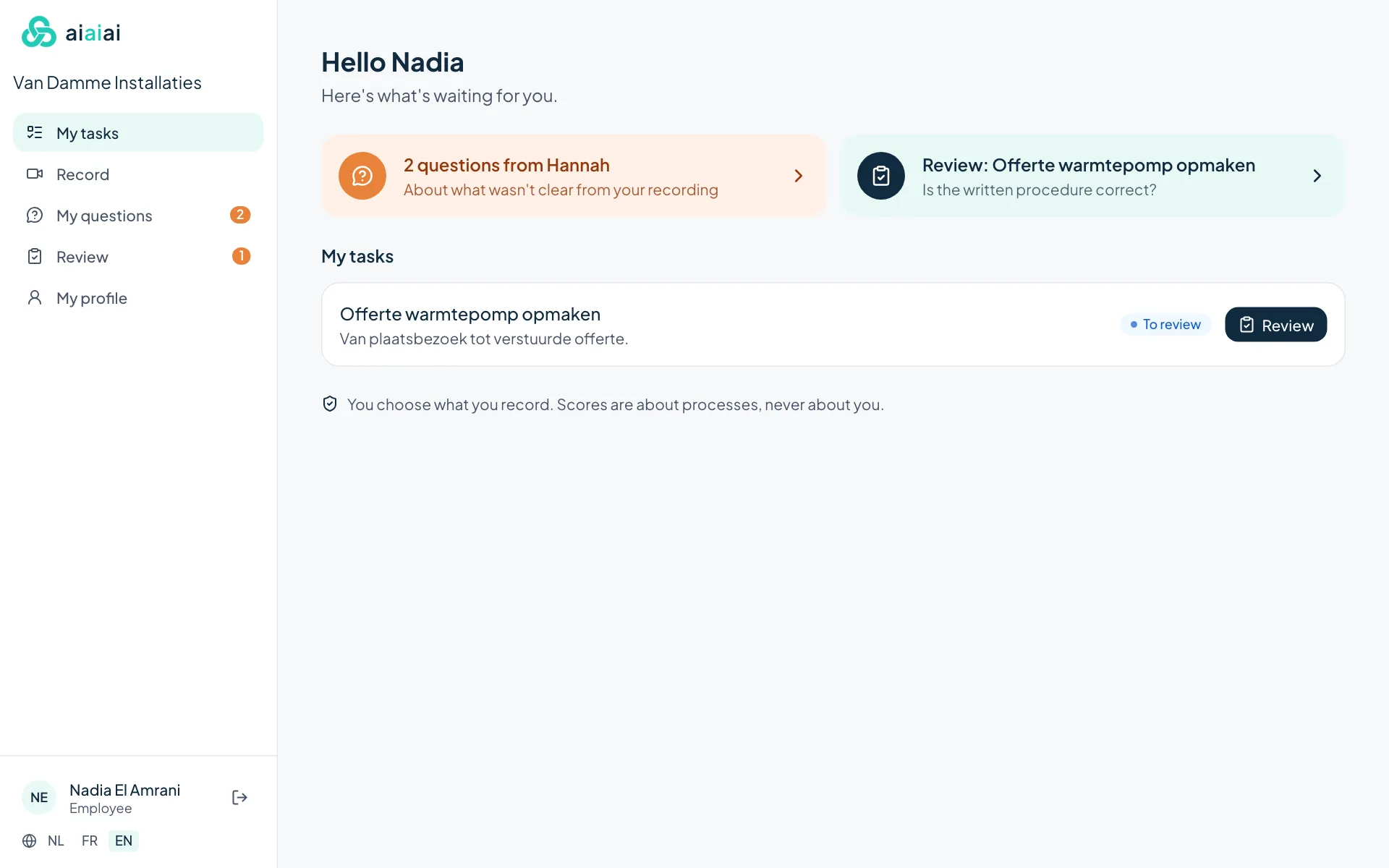
The employee only sees their own tasks, Hannah's open questions and what still needs reviewing.
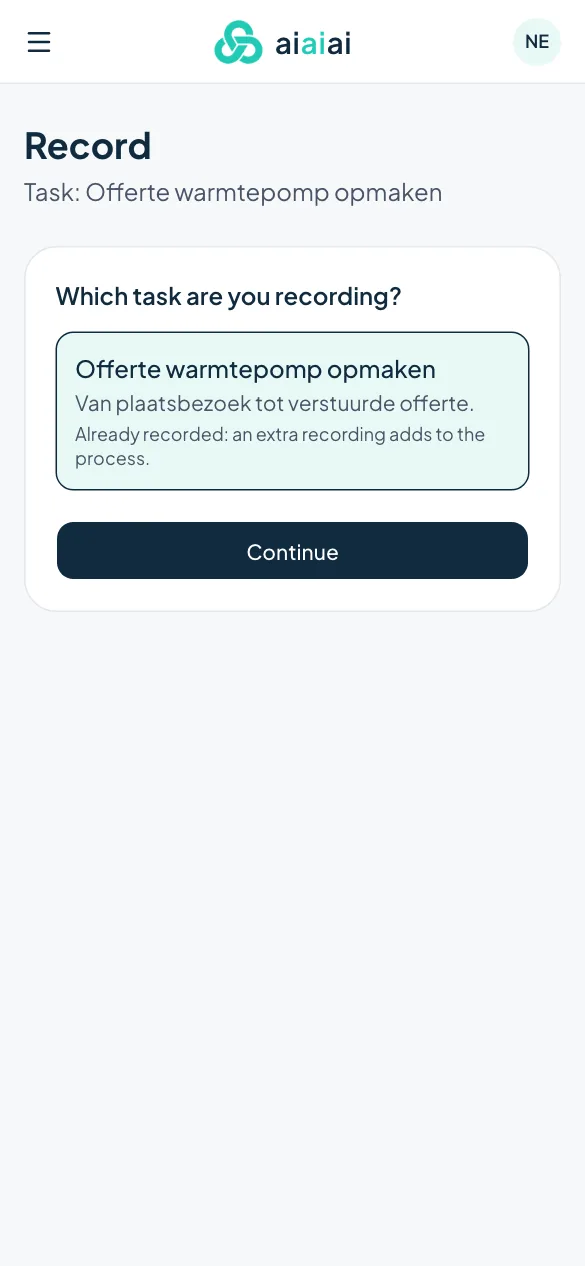
Record the computer screen, or film the work with a phone. The employee gives consent for every recording.
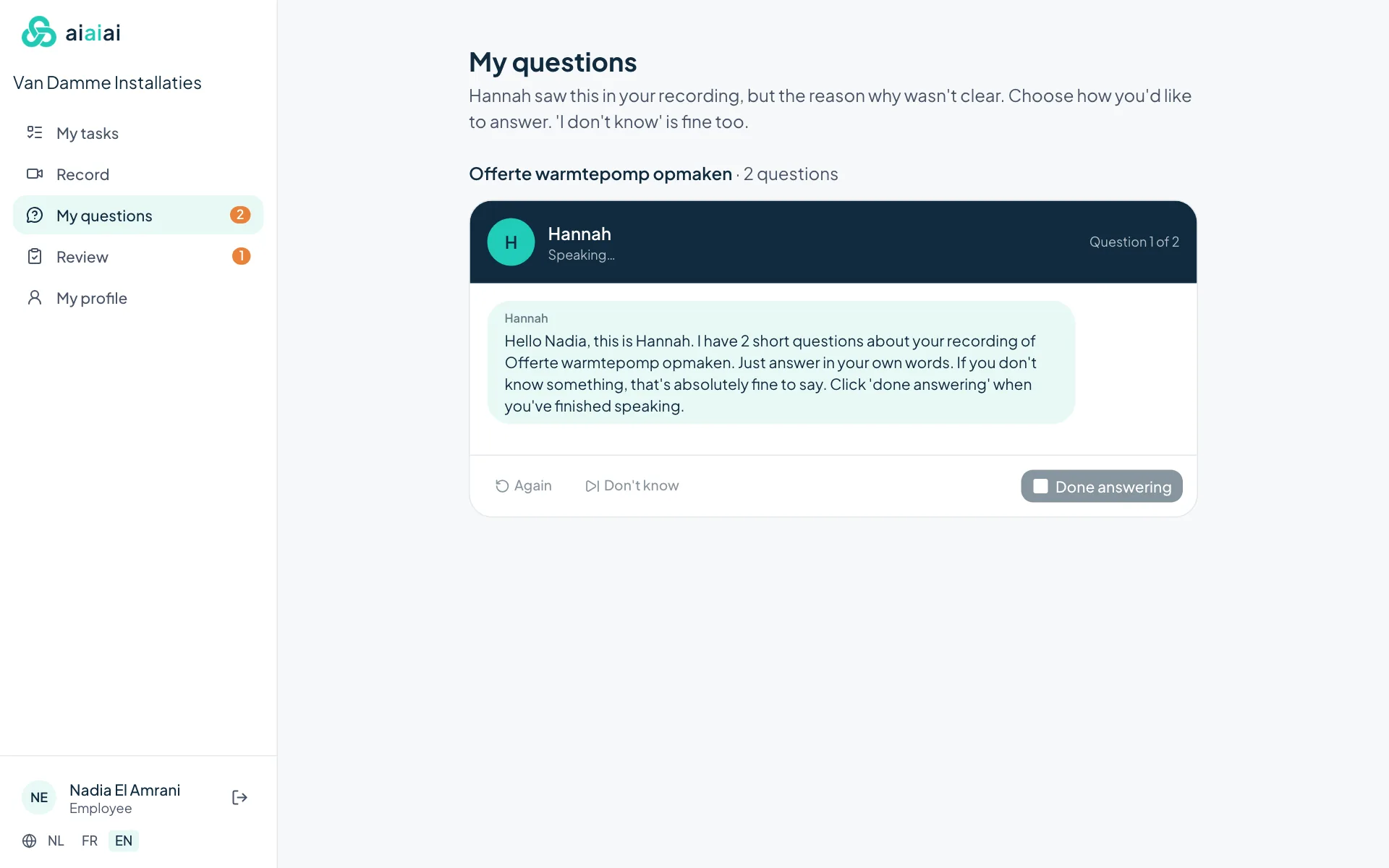
Hannah, the AI assistant, asks about what the recording does not show. The employee answers in a conversation in the app, by speaking or typing. 'I don't know' is fine too.
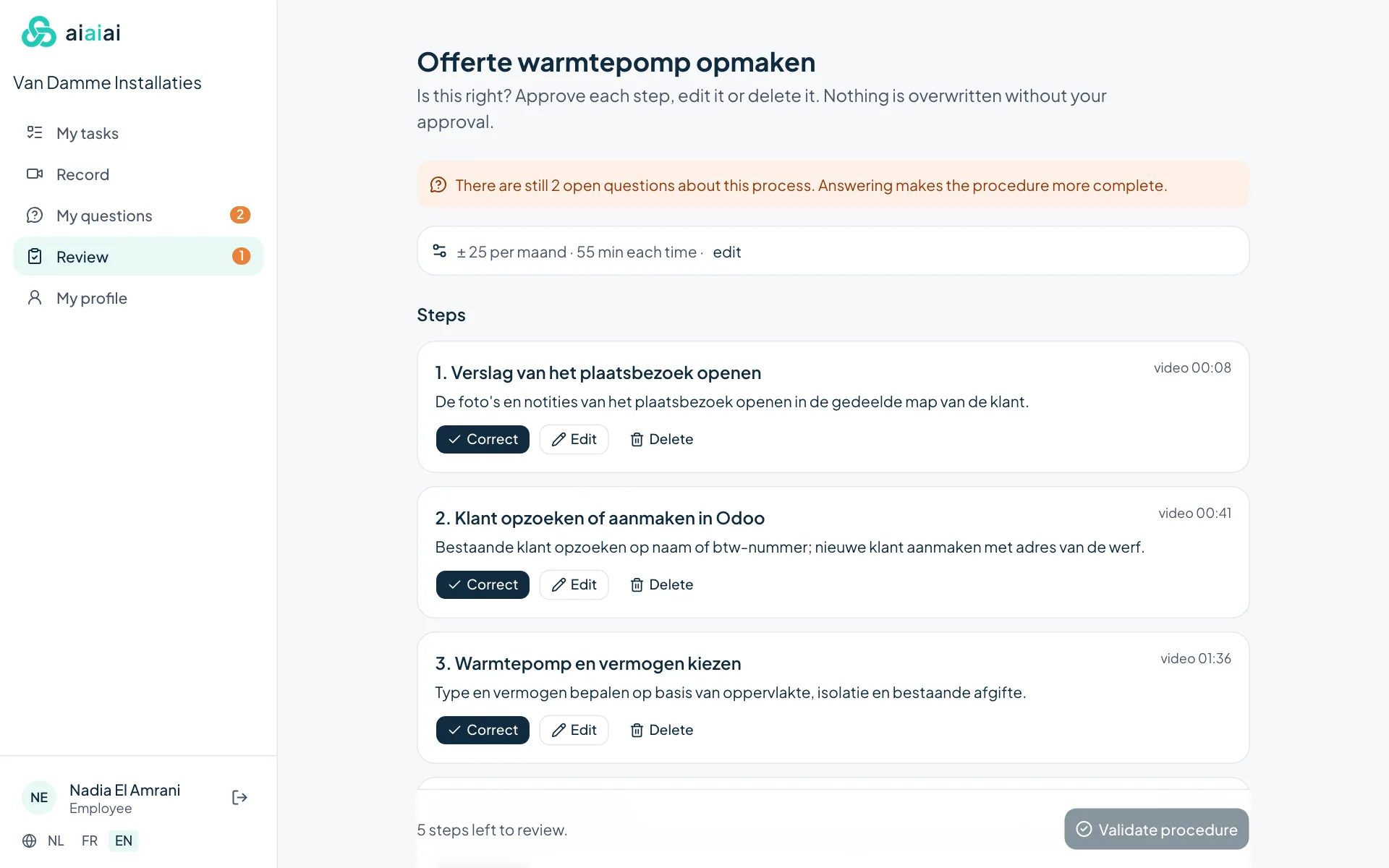
Approve, edit or delete every step. Nothing becomes a work instruction without the approval of the employee who does the work.
30 days free · No payment details needed · Your own protected company environment